
For connected industrial data, integrations, Unified Namespace, analytics, and industrial applications built on live operational data, explore Tier0 Platform.
✦
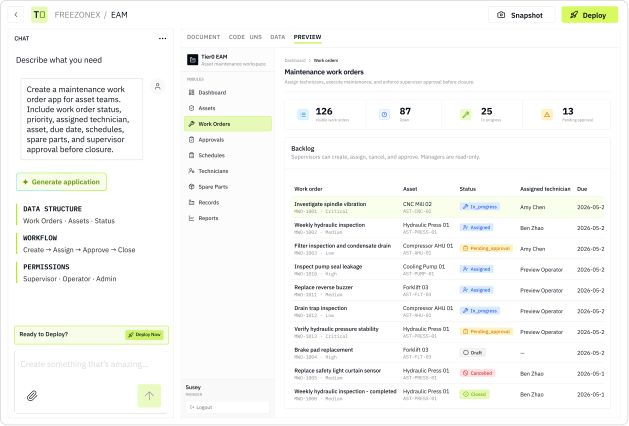
Natural-language application generation
Platform-managed database and access
Preview, test, and one-click publishing
Web + iOS + Android access
A generated app is not automatically a usable business application.
// TYPICAL VIBE CODING WORKFLOW
A compelling demo —
with technical work still waiting.
Great for visual exploration. But the operational layers often remain your responsibility.
× Configure or connect a database
× Set up hosting, environments, and deployment
× Implement users, identity, and application permissions
× Maintain releases as business requirements change
// TIER0 BUILDER
A platform to generate, publish, govern, and evolve real apps.
Focus on the workflow. Builder provides the operating layer needed to put it in use.
✓ Platform-managed database and account governance
✓ Built-in preview and production publishing flow
✓ Project and application-level access controls
✓ Versioned iteration for every application
■ HOW IT WORKS
01
Describe
Explain your workflow, fields, roles, forms, approvals, and desired outcomes in natural language.
02
Generate
Create the application structure, interface, data model, and business interactions.
03
Preview
Use the preview environment to test the app and refine what needs to change.
04
Publish
Release the validated app as a production application with one click.
05
Iterate
Document the update, test a new version, and publish when the next release is ready.
■ APPLICATION DELIVERY, BUILT IN
Everything needed
to move beyond the prototype.
Tier0 Builder is designed to help business users create applications that can actually be rolled out to the people who need them.
Build from natural language
Describe workflows, records, forms, business rules, dashboards, and user actions — then generate your app from the requirement.
Platform-managed data
Use database capabilities managed within the platform rather than building, hosting, or maintaining a separate data layer.
Govern user access
Invite Tier0 Builder users into Projects, then define application roles, permissions, and allowed actions through natural-language instructions.
Preview and publish
Test in preview first. When the application is ready, publish it as a production application in one workflow.
Use across web and mobile
Give the right users access through web applications or Tier0 Digital Worker on iOS and Android.
Release app versions
Update one app at a time, add a note explaining the change, test it, and publish a new release when ready.
■ PROJECT STRUCTURE
One project.
Multiple operational apps.
Organize related applications within a single business initiative. An MES Project, for example, can include separate apps for production, quality, maintenance, inventory, and shift handover.
01
Invite the right free Builder users to each Project.
02
Keep connected operational modules in one structured place.
03
Manage every app’s version history and release cycle independently.

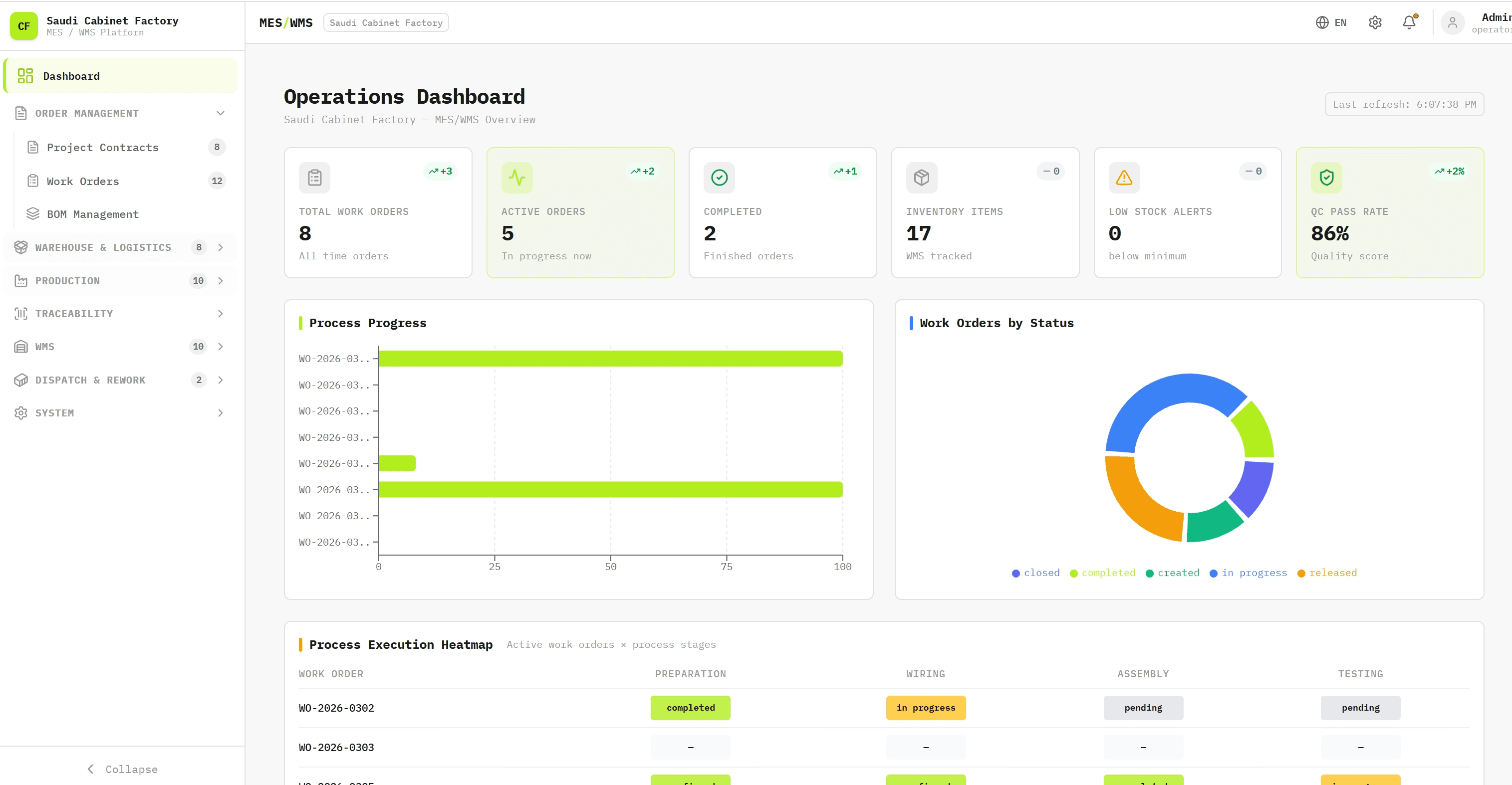



■ TEMPLATE LIBRARY
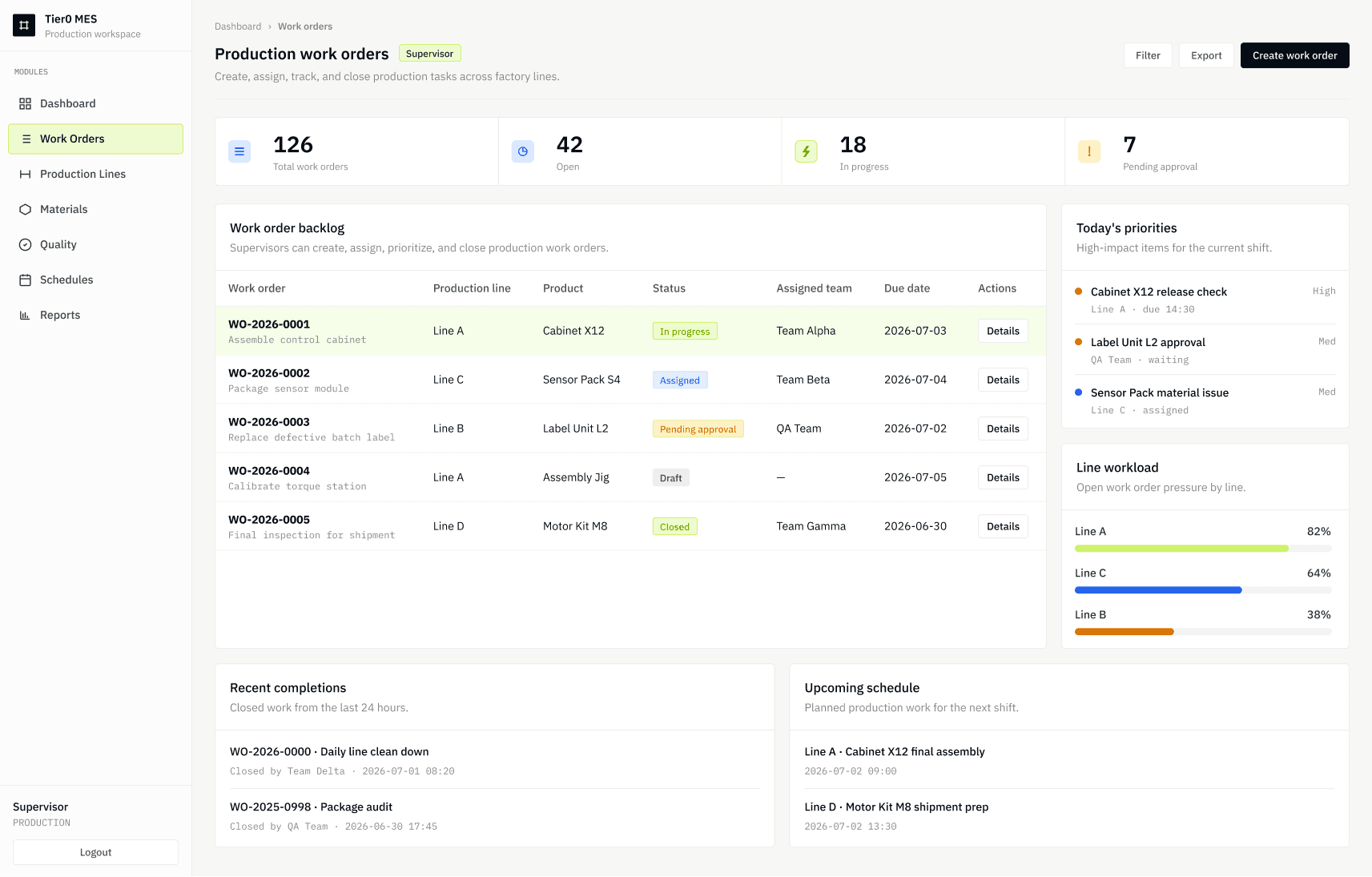
■
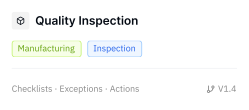
Quality Inspection App
Run inspections, capture results, and manage exceptions.

■
Equipment Asset Register
Maintain equipment records, ownership, status, and history.

■
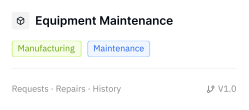
Maintenance Request & Work Order
Submit faults, assign work, track repairs, and close tasks.

■
Digital Inspection Checklist
Standardize routine equipment, safety, and operations checks.

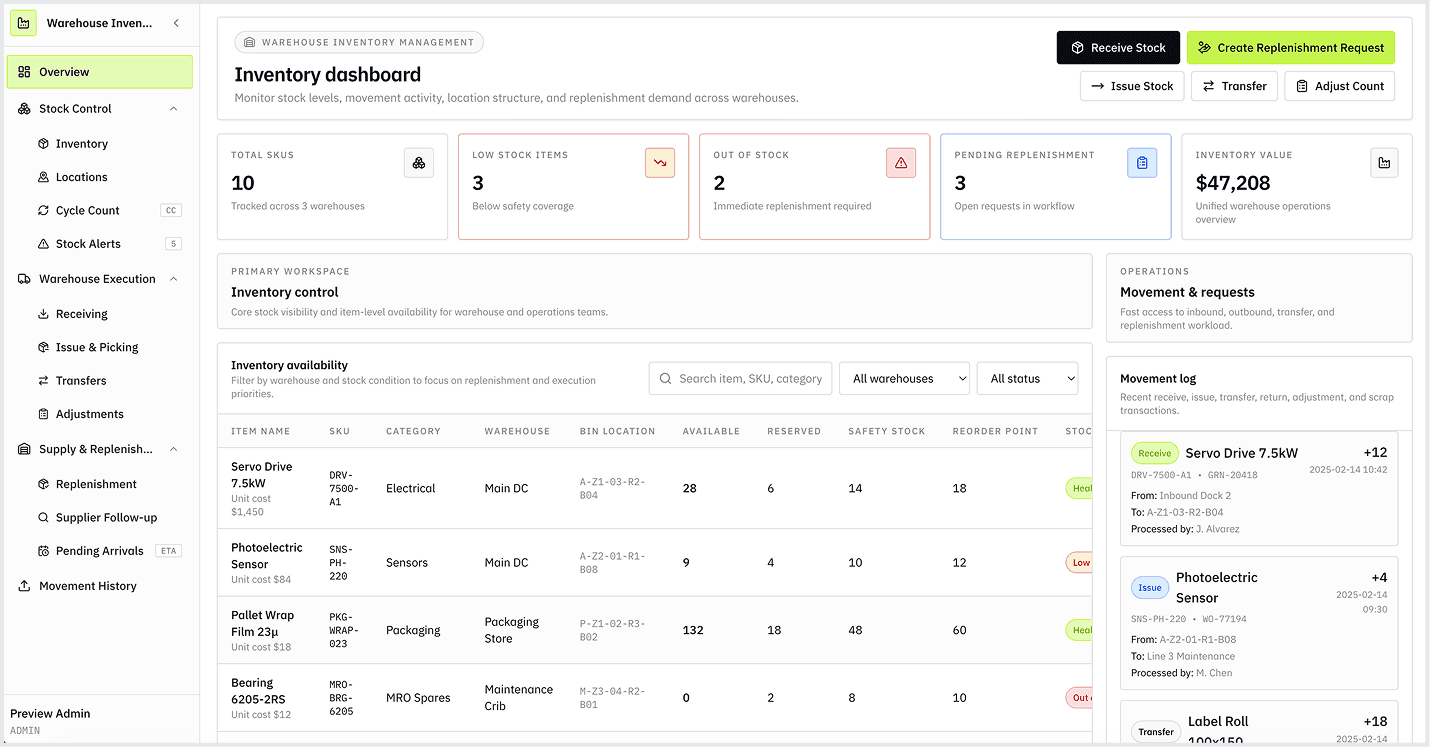
■
Warehouse Inventory Management
Track stock, movements, locations, and replenishment requests.
GET IT ON

■ WHY BUILDER
■ START FREE
Create your Builder account, turn a real business workflow into an application, and publish when it is ready.
Free user accounts
Stripe payment
Invoice support
